✨ New Arrivals Just Dropped!Explore

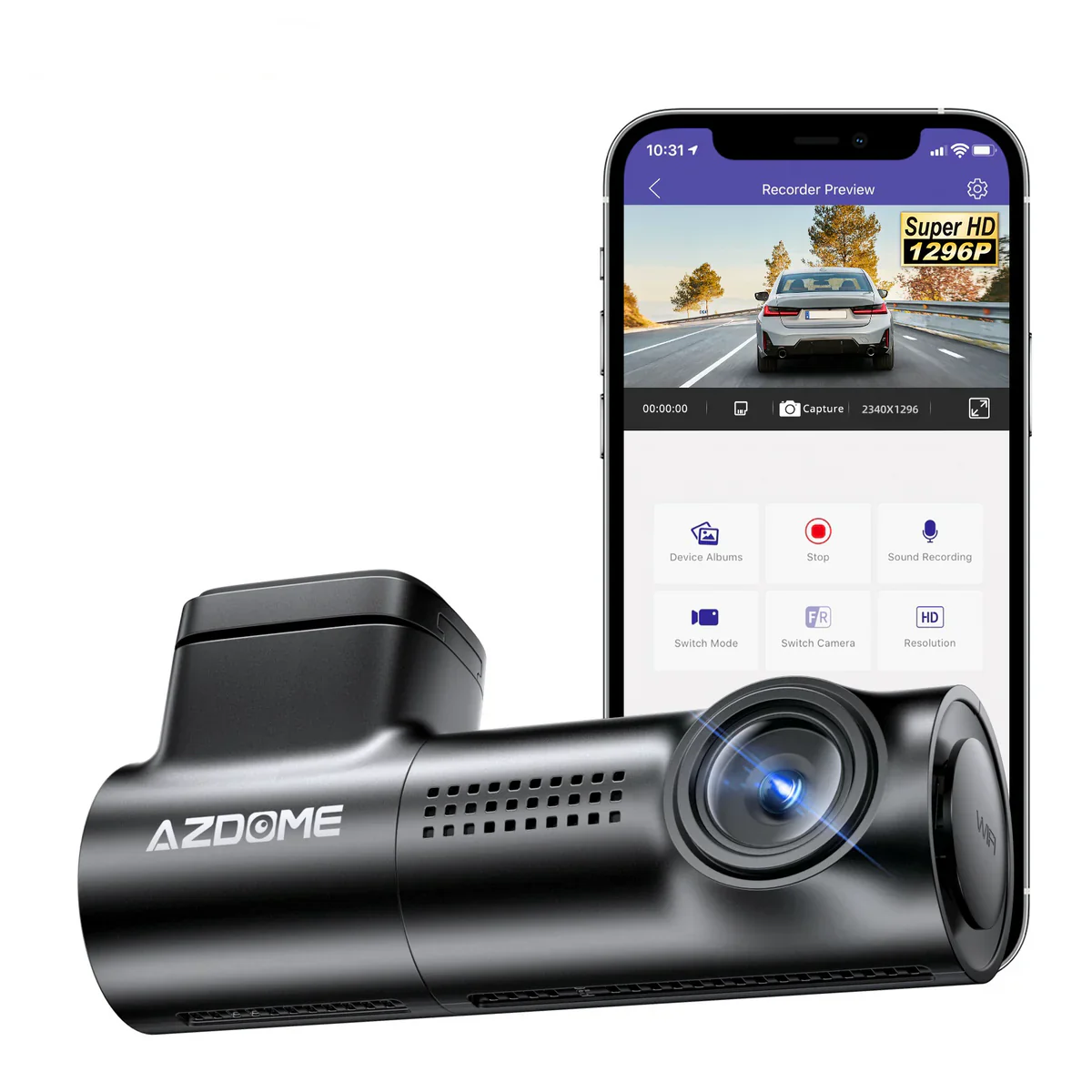
AZDOME M300 1CH Dash Cam 1296P with Voice Control 24H Parking Mode No Card


Warm Tips
| Format SD Card | Be sure to format your SD card with your dash cam for the first time use, Recommend to reformat it Monthly |
| Max Support 128GB | Max Support: 128B (SD Card is not included in the packaging). Need Extra Purchase 64G SD Card ASIN: B09K765TDY, 128G SD Card ASIN: B09K78CNM8. Avoid fake memory card. Note that we recommend using AZDOME SD cards for optimal performance. |
| Super Capacitor | No battery, it is built in Super Capacitor (Only has 1 mAh Lithium Metal Battery). Battery is mainly used to save files in emergency. Please always connect Dash Cam to external power while it is in use. |
| AZDOME User Manual | AZDOME provide updates for M300 dash cam Firmware,PDF user manual and camera accessory. If you need it, AZDOME will help you. |
| For Apple iOS Phone | Connect to APP by WiFi, Open the AZDOME APP to click Check Real-time Video → click Set of this prompt of IOS system → set Wireless Data to WLAN, Turn off Mobile Data directly. |
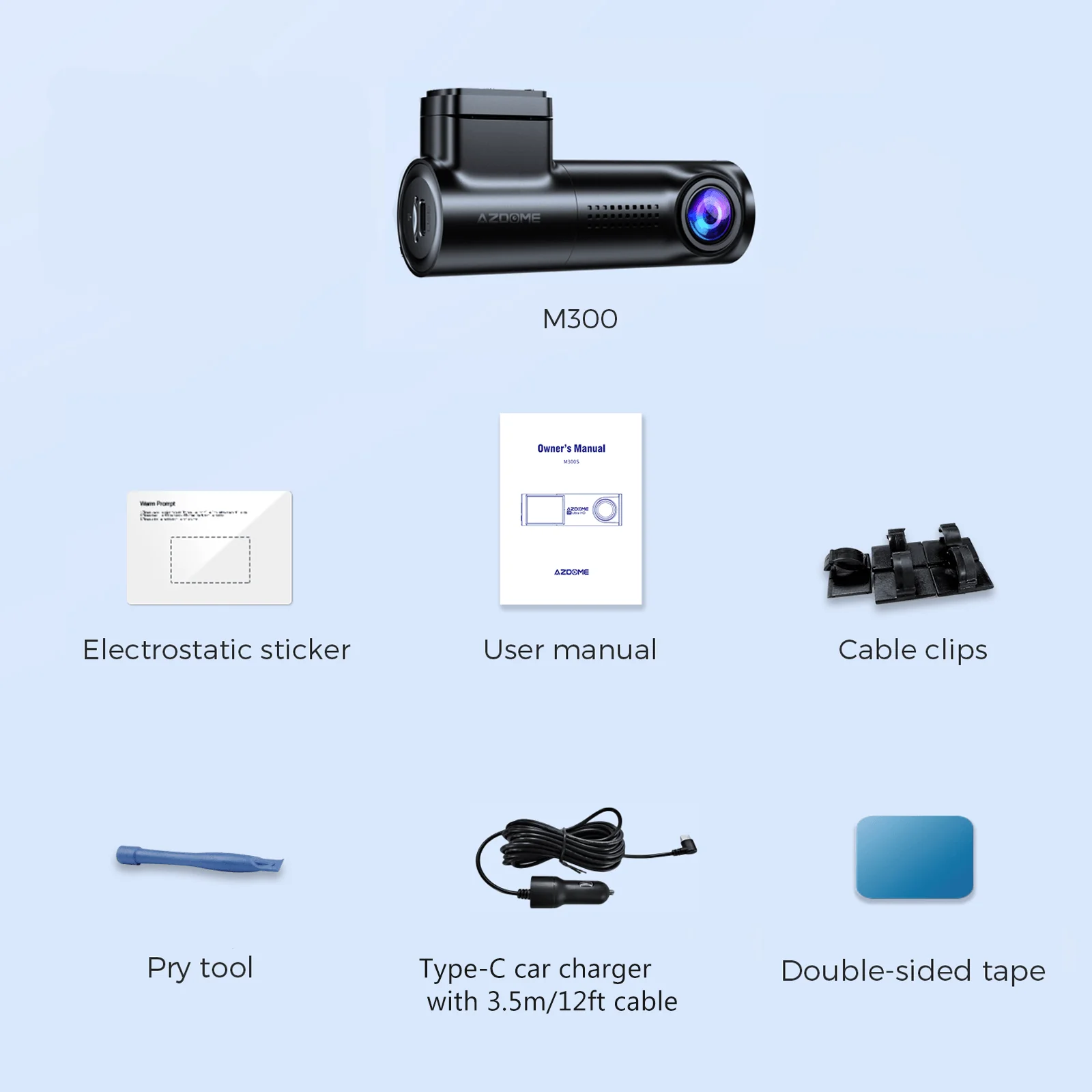
| What's the Package | 1 x M300 Dash Cam 1 x Power Cord 1 x USB Car Charger 1 × Electrostatic Sticker 1 x User Manual 1x Installation tools |
$39.99
AZDOME M300 1CH Dash Cam 1296P with Voice Control 24H Parking Mode No Card—
$39.99
More Images
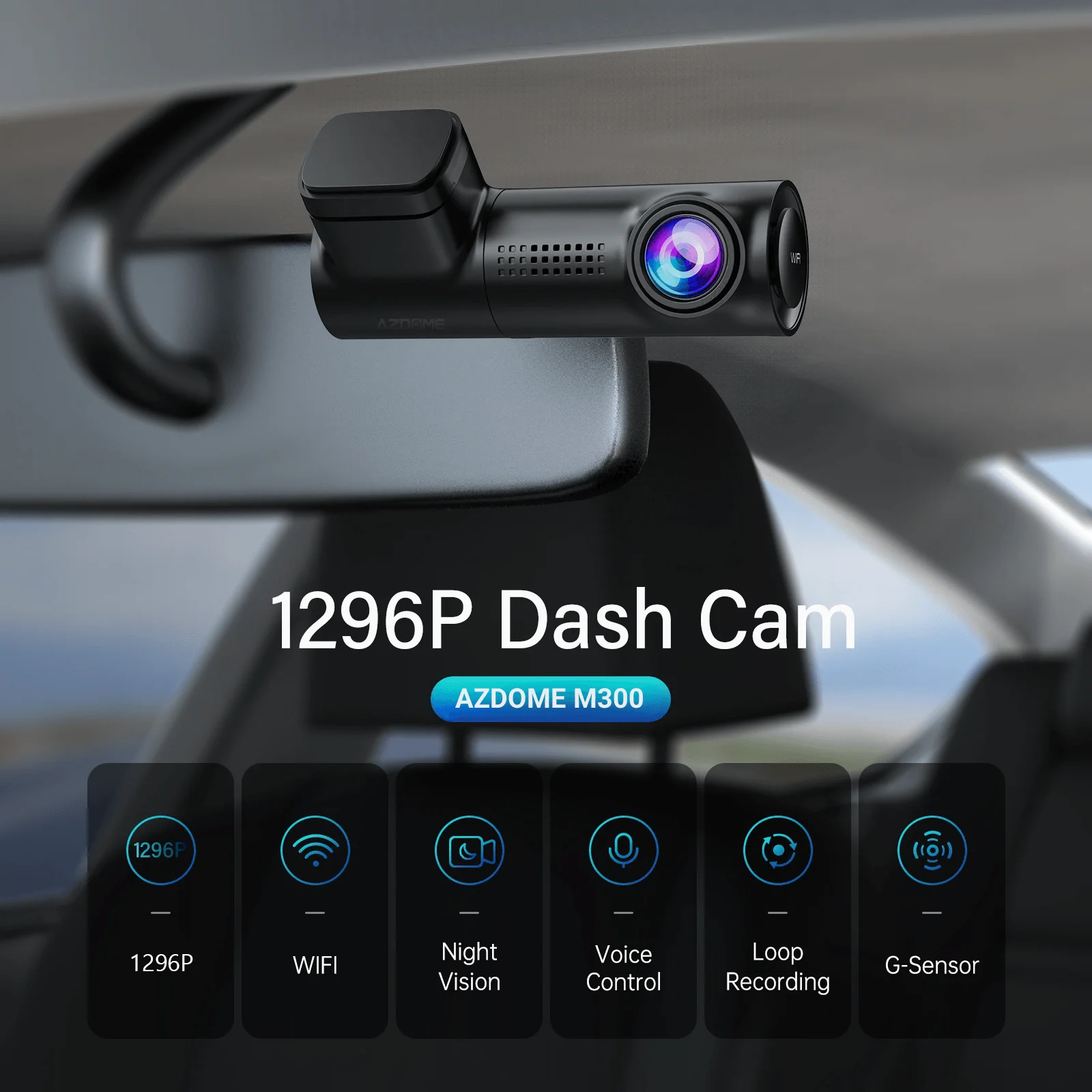
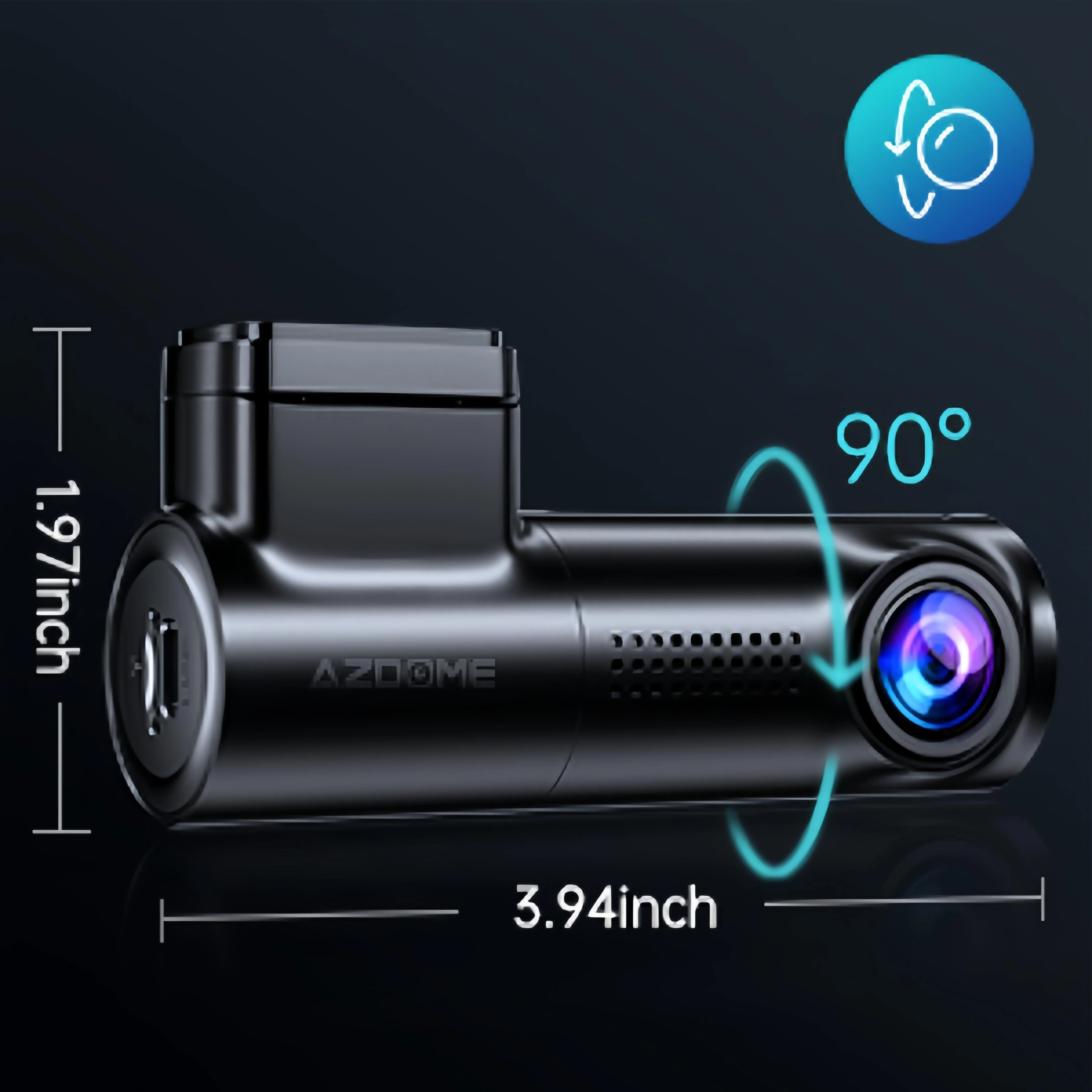
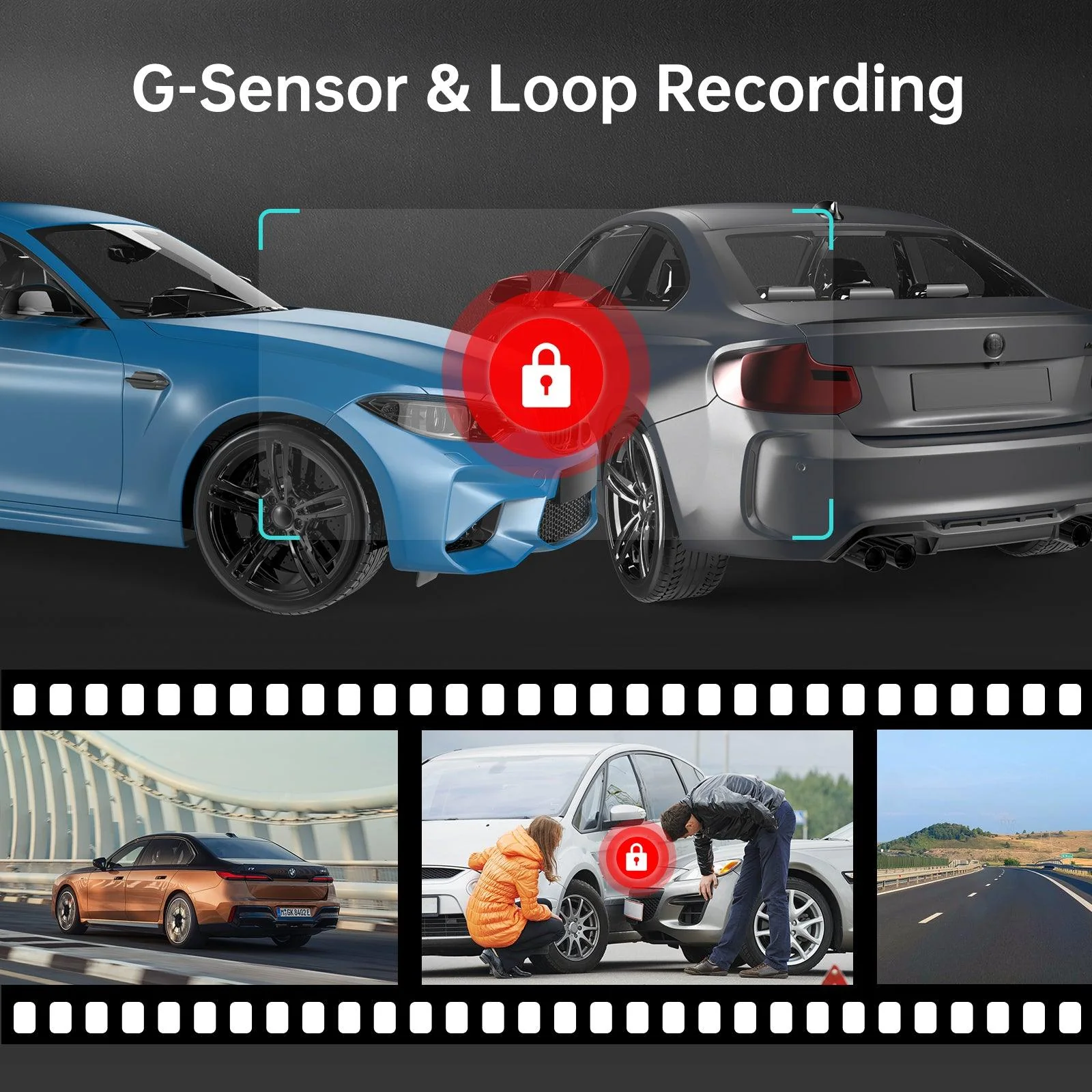
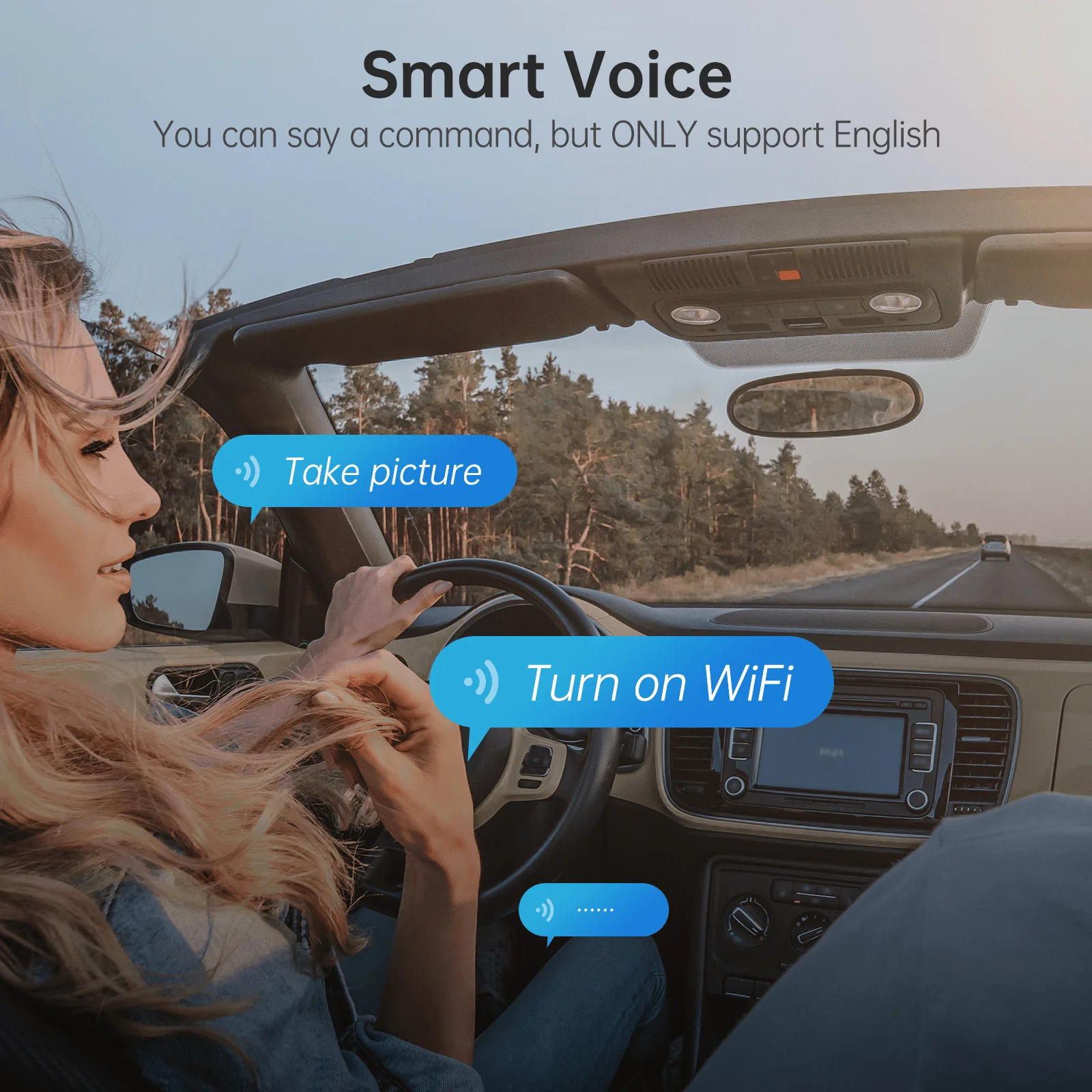
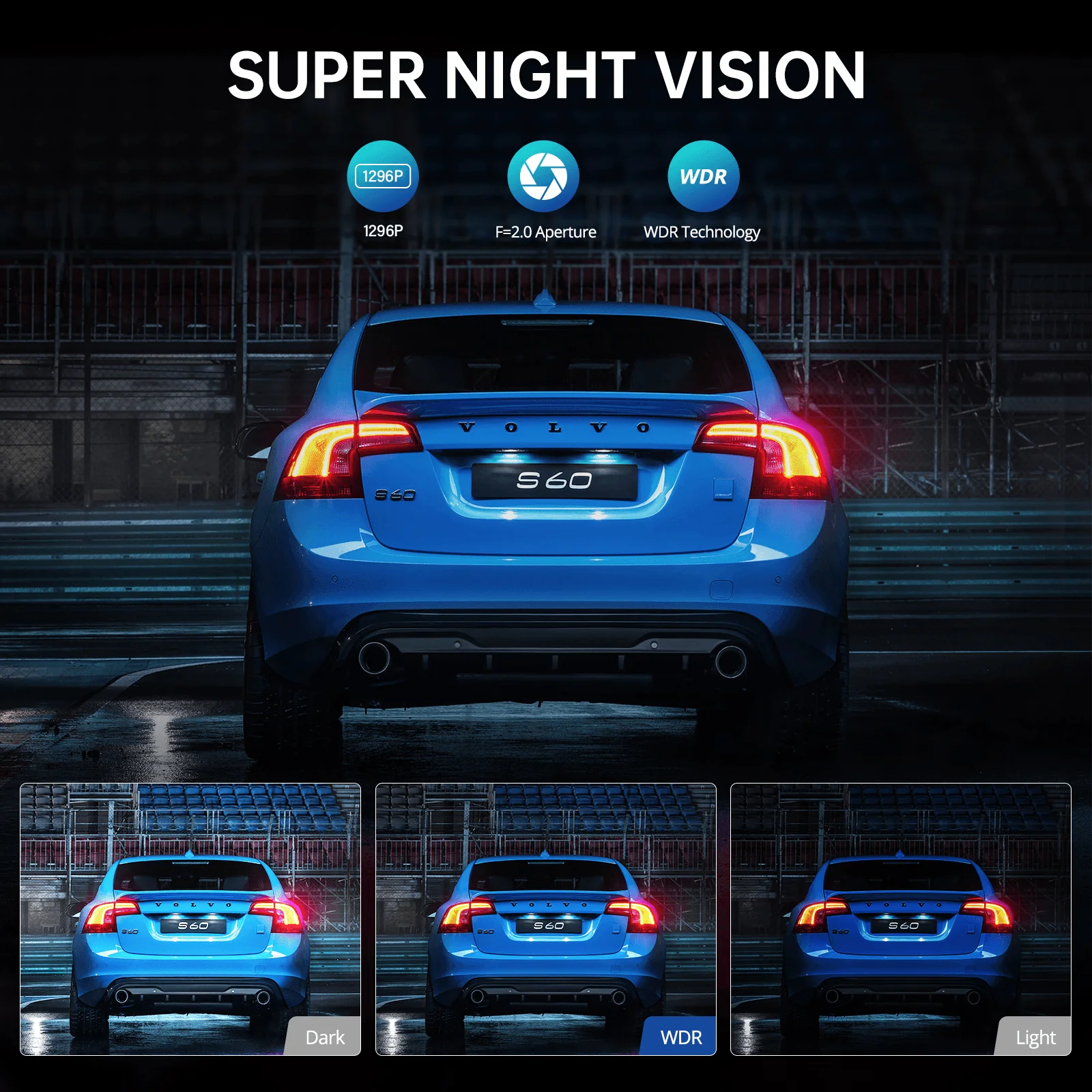
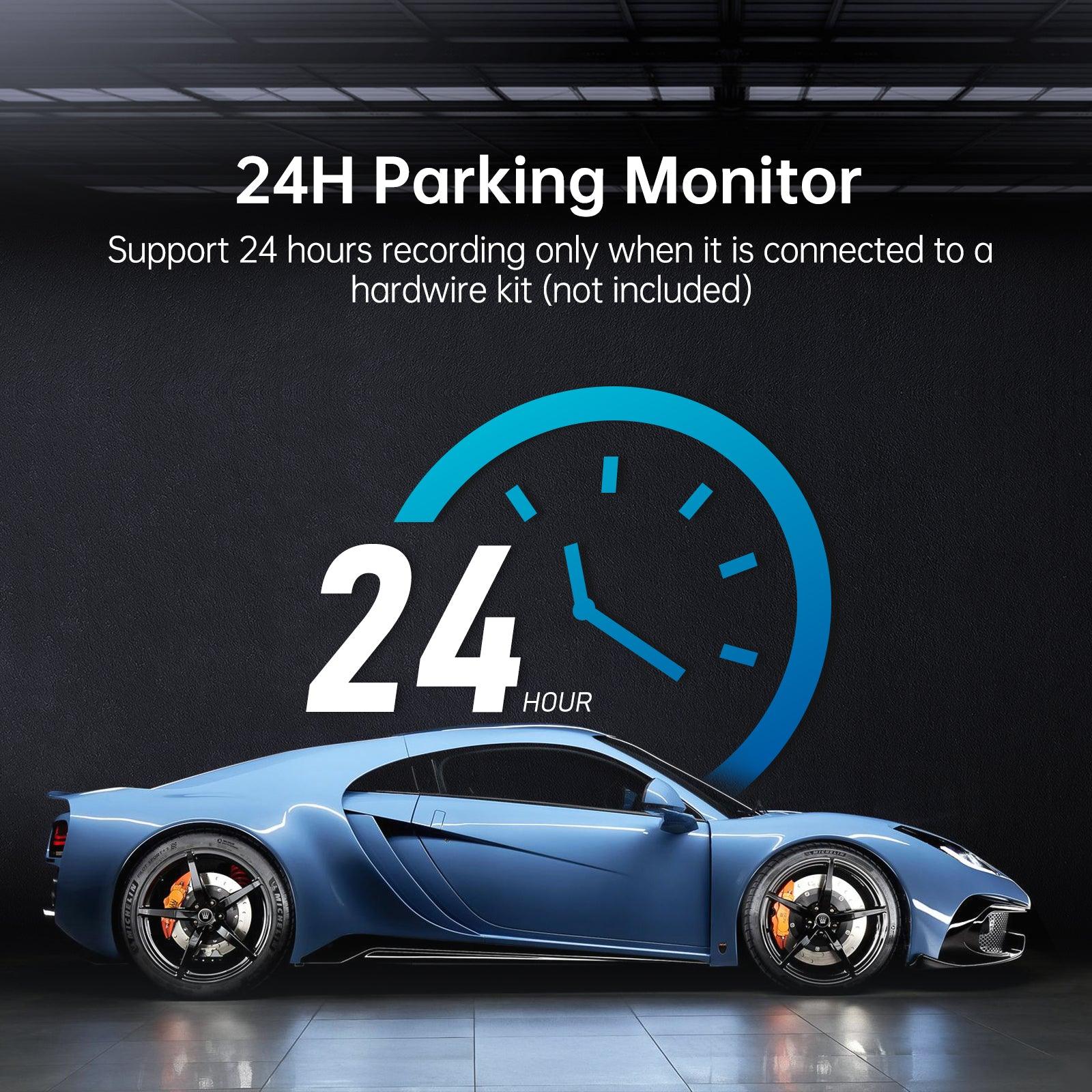
AZDOME M300 1CH Dash Cam 1296P with Voice Control 24H Parking Mode No Card
Warm Tips
| Format SD Card | Be sure to format your SD card with your dash cam for the first time use, Recommend to reformat it Monthly |
| Max Support 128GB | Max Support: 128B (SD Card is not included in the packaging). Need Extra Purchase 64G SD Card ASIN: B09K765TDY, 128G SD Card ASIN: B09K78CNM8. Avoid fake memory card. Note that we recommend using AZDOME SD cards for optimal performance. |
| Super Capacitor | No battery, it is built in Super Capacitor (Only has 1 mAh Lithium Metal Battery). Battery is mainly used to save files in emergency. Please always connect Dash Cam to external power while it is in use. |
| AZDOME User Manual | AZDOME provide updates for M300 dash cam Firmware,PDF user manual and camera accessory. If you need it, AZDOME will help you. |
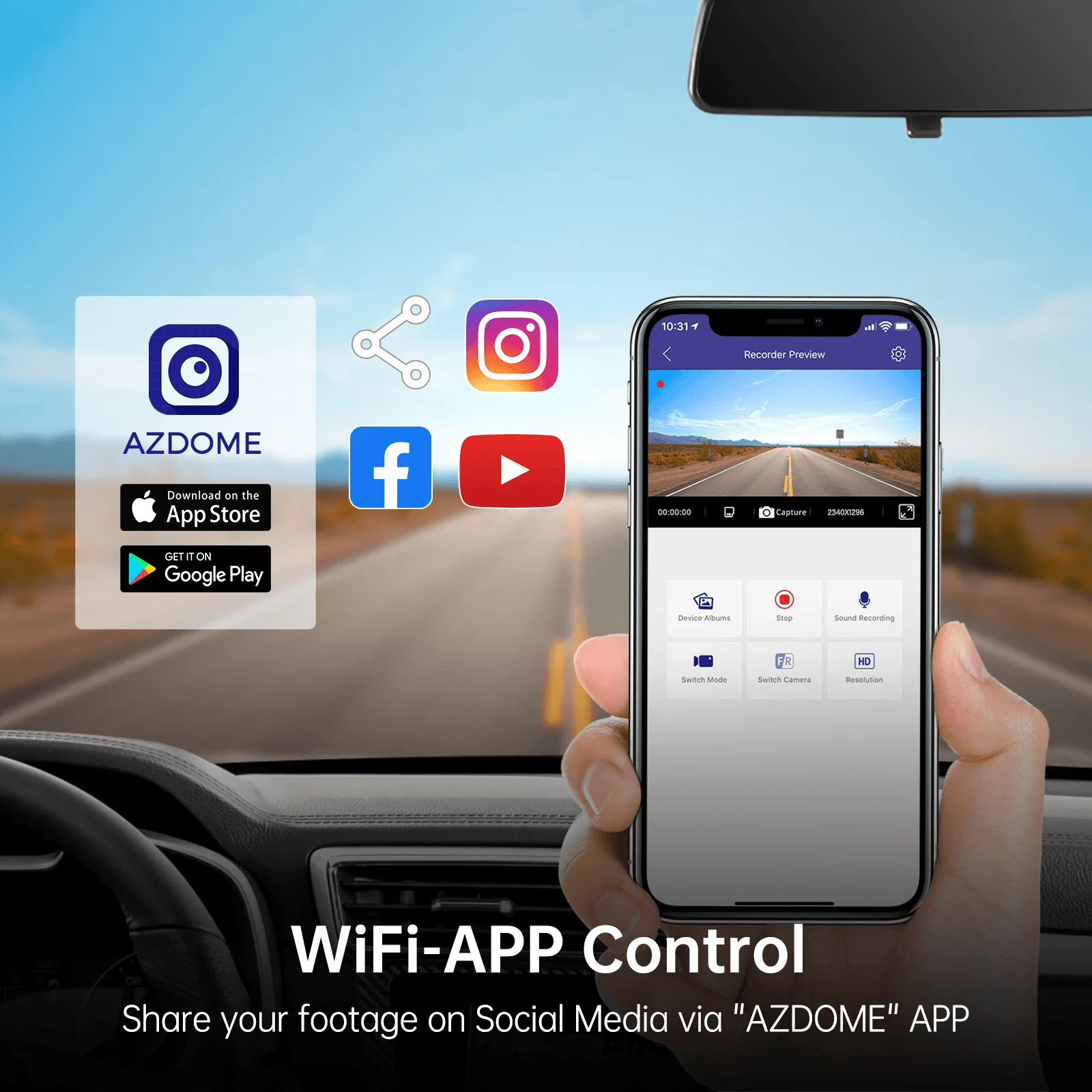
| For Apple iOS Phone | Connect to APP by WiFi, Open the AZDOME APP to click Check Real-time Video → click Set of this prompt of IOS system → set Wireless Data to WLAN, Turn off Mobile Data directly. |
| What's the Package | 1 x M300 Dash Cam 1 x Power Cord 1 x USB Car Charger 1 × Electrostatic Sticker 1 x User Manual 1x Installation tools |
Product Information
Product Information
Shipping & Returns
Shipping & Returns
Description
Warm Tips
| Format SD Card | Be sure to format your SD card with your dash cam for the first time use, Recommend to reformat it Monthly |
| Max Support 128GB | Max Support: 128B (SD Card is not included in the packaging). Need Extra Purchase 64G SD Card ASIN: B09K765TDY, 128G SD Card ASIN: B09K78CNM8. Avoid fake memory card. Note that we recommend using AZDOME SD cards for optimal performance. |
| Super Capacitor | No battery, it is built in Super Capacitor (Only has 1 mAh Lithium Metal Battery). Battery is mainly used to save files in emergency. Please always connect Dash Cam to external power while it is in use. |
| AZDOME User Manual | AZDOME provide updates for M300 dash cam Firmware,PDF user manual and camera accessory. If you need it, AZDOME will help you. |
| For Apple iOS Phone | Connect to APP by WiFi, Open the AZDOME APP to click Check Real-time Video → click Set of this prompt of IOS system → set Wireless Data to WLAN, Turn off Mobile Data directly. |
| What's the Package | 1 x M300 Dash Cam 1 x Power Cord 1 x USB Car Charger 1 × Electrostatic Sticker 1 x User Manual 1x Installation tools |